Have you ever searched for a nearby restaurant, salon, clinic, or digital marketing agency on Google and noticed those businesses appearing directly on the map?
Now imagine your business showing up there when potential customers search.
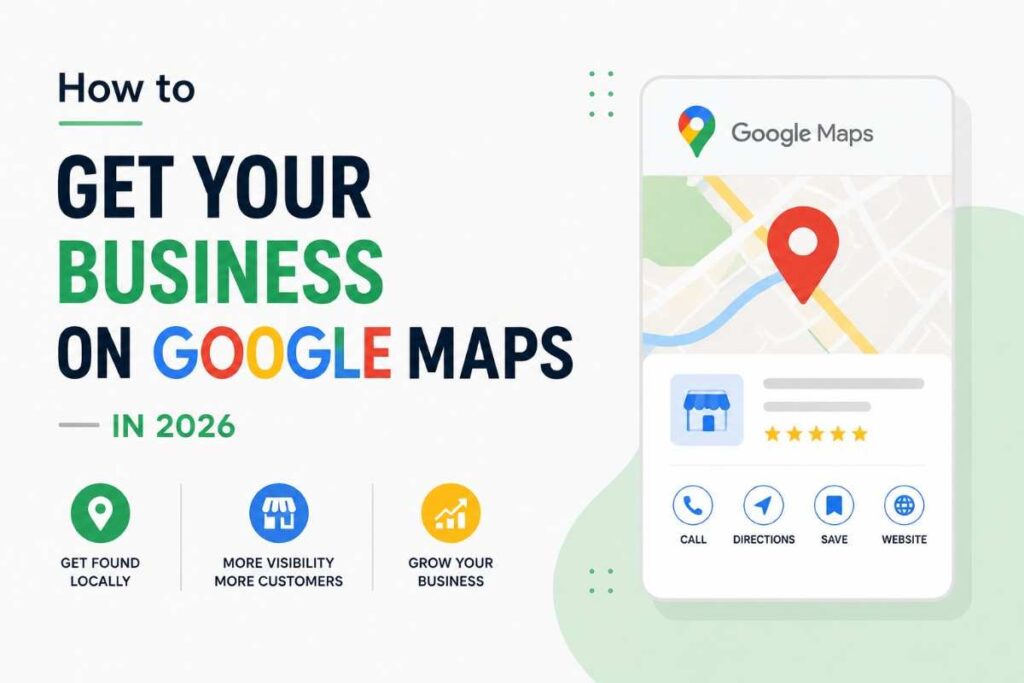
That’s exactly why learning how to get your business on Google Maps is one of the smartest things a small business owner can do in 2026.
Many businesses spend money on social media ads while completely ignoring Google Maps. Meanwhile, local customers are actively searching for services nearby every single day.
The best part?
Getting listed on Google Maps is completely free.
Let’s walk through the process step by step.
Why Google Maps Matters for Local Businesses
Think about your own behavior.
When you need a nearby service, you probably search something like:
- Best dentist near me
- Digital marketing agency in Coimbatore
- Restaurant near me
- Laptop repair shop nearby
Google often shows map listings before traditional website results.
That’s valuable visibility.
A well-optimized Google Maps listing can generate phone calls, website visits, direction requests, and new customers without paying for ads.
How to Get Your Business on Google Maps in 2026
The process is easier than most business owners think.
Google uses a platform called Google Business Profile to manage business listings.
If your business isn’t there yet, that’s where you’ll start.
Step 1: Create a Google Business Profile
The first step is creating or claiming your Google Business Profile.
Visit:
Sign in using your Google account.
Then click “Manage Now.”
Information You’ll Need
- Business name
- Business category
- Address
- Phone number
- Website URL
- Business hours
Make sure everything is accurate.
Small mistakes can create confusion for both Google and customers.
Step 2: Choose the Right Business Category
Many business owners rush through this part.
That’s a mistake.
Your primary category helps Google understand what your business offers.
Examples
- Digital Marketing Agency
- Dental Clinic
- Beauty Salon
- Restaurant
- Fitness Center
- Photographer
Choose the category that most closely matches your core service.
You can add additional categories later if needed.
Step 3: Verify Your Business
Google wants proof that you actually own or manage the business.
That’s where verification comes in.
Verification methods may include:
- Video verification
- Email verification
- Phone verification
- Postcard verification
Google has increasingly moved toward video verification in recent years.
Don’t worry. The process is usually straightforward.
Video Verification Tips
- Show your business location
- Display signage if available
- Show equipment or workspace
- Demonstrate ownership access
How to Get Your Business on Google Maps and Rank Higher
Creating a profile is only the beginning.
Many businesses get listed.
Fewer businesses optimize properly.
That’s where opportunities exist.
Step 4: Complete Every Section of Your Profile
Incomplete profiles rarely perform well.
Google prefers businesses that provide detailed information.
Fill Out:
- Business description
- Services
- Products
- Business hours
- Contact information
- Website URL
- Service areas
The more information you provide, the easier it becomes for Google to understand your business.
Step 5: Add High-Quality Photos
Photos influence customer decisions more than many people realize.
I’ve personally seen businesses receive significantly more engagement after adding professional images.
Upload Photos Of:
- Storefront
- Office interior
- Products
- Team members
- Completed projects
- Customer experiences
Authentic images work better than generic stock photos.
People want to see the real business.
Step 6: Write a Strong Business Description
Your description helps customers understand what you do.
It also helps Google identify relevant searches.
Good Description Example
Instead of writing:
“We provide quality services.”
Try:
“We help small businesses in Coimbatore improve their online visibility through SEO, social media marketing, content creation, and website optimization.”
Specific descriptions create clarity.
Step 7: Collect Customer Reviews
Reviews are one of the strongest ranking signals for local SEO.
Businesses with more positive reviews often perform better in local search results.
Simple Ways to Get Reviews
- Ask satisfied customers
- Send follow-up messages
- Include review links in emails
- Request feedback after service completion
Never buy fake reviews.
Google is getting better at detecting suspicious review patterns.
Quick Tip: Don’t just collect reviews. Respond to them. Google likes active business profiles, and customers appreciate businesses that engage with feedback.
Step 8: Keep Your Business Information Consistent
Consistency matters.
Your business name, address, and phone number should match across all platforms.
SEO professionals often call this NAP consistency.
Places Where Information Should Match
- Google Business Profile
- Website
- Facebook Page
- Business directories
- Local listings
Conflicting information can confuse search engines.
Step 9: Publish Regular Updates
Most businesses create a profile and then forget about it.
That’s a missed opportunity.
Google Business Profile allows you to publish updates.
Post Ideas
- Special offers
- New services
- Events
- Business news
- Customer success stories
Regular updates signal activity.
Active profiles often perform better.
How to Get Your Business on Google Maps for Multiple Locations
Many growing businesses operate from more than one location.
In that situation, each physical location should have its own Google Business Profile.
Examples
- Restaurant chains
- Fitness centers
- Medical clinics
- Retail stores
Each listing should contain unique local information.
Avoid creating duplicate listings for the same location.
Step 10: Optimize Your Website for Local SEO
Your Google Maps profile and website work together.
A strong website can improve local rankings.
Local SEO Best Practices
- Add city-specific keywords
- Create location pages
- Include contact information
- Use local schema markup
- Publish local content
For example, if you’re based in Coimbatore, mention that naturally throughout your website.
A Real-World Example
A local salon owner once told me she wasn’t getting enough customers despite having an active Instagram page.
After creating and optimizing her Google Business Profile, she started receiving calls from people searching nearby.
The biggest difference?
She was finally visible when customers were actively looking for a salon.
Intent matters.
Someone searching “salon near me” is often ready to visit immediately.
One Local SEO Insight Most Businesses Ignore
Here’s something I’ve noticed repeatedly.
Many business owners focus heavily on follower counts.
Meanwhile, they ignore Google Maps.
A thousand Instagram followers may never become customers.
Someone searching for your service on Google Maps often has immediate buying intent.
That’s why local SEO frequently delivers stronger business results than people expect.
Common Mistakes to Avoid
Watch Out For These Problems
- Incomplete profiles
- Wrong business categories
- Fake reviews
- Duplicate listings
- Old phone numbers
- Outdated business hours
- Poor-quality images
Small details can have a surprisingly large impact.
Helpful Resources for Local SEO
If you’d like to learn more about local search optimization, these resources are useful:
You can also explore our:
Final Thoughts
Learning how to get your business on Google Maps is one of the highest-impact marketing activities available to local businesses in 2026.
It’s free.
It’s relatively simple.
And it helps you appear where customers are already searching.
Create your Google Business Profile.
Verify it properly.
Optimize every section.
Collect reviews.
Keep information updated.
Most importantly, don’t treat Google Maps as a one-time setup task.
Businesses that actively maintain their profiles often outperform competitors who simply create listings and forget about them.
Your next customer could be searching right now.
Make sure they can find you.
Need Professional SEO Help?
Get Free SEO Help from a Coimbatore Digital Marketing Expert